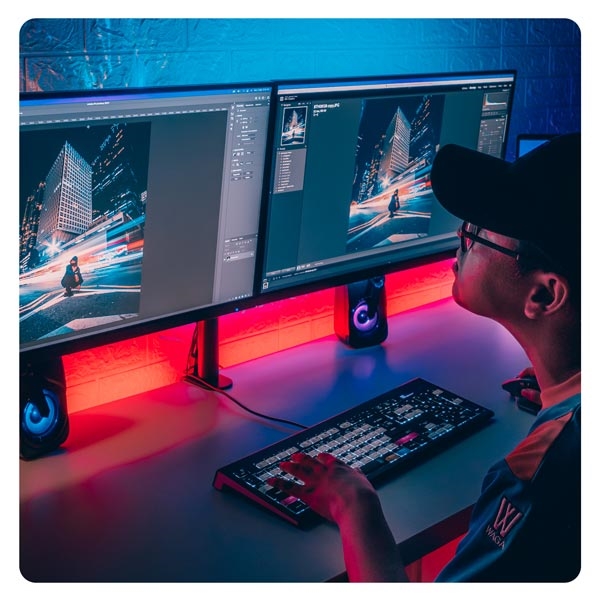
What is a color-coded shortcut keyboard?
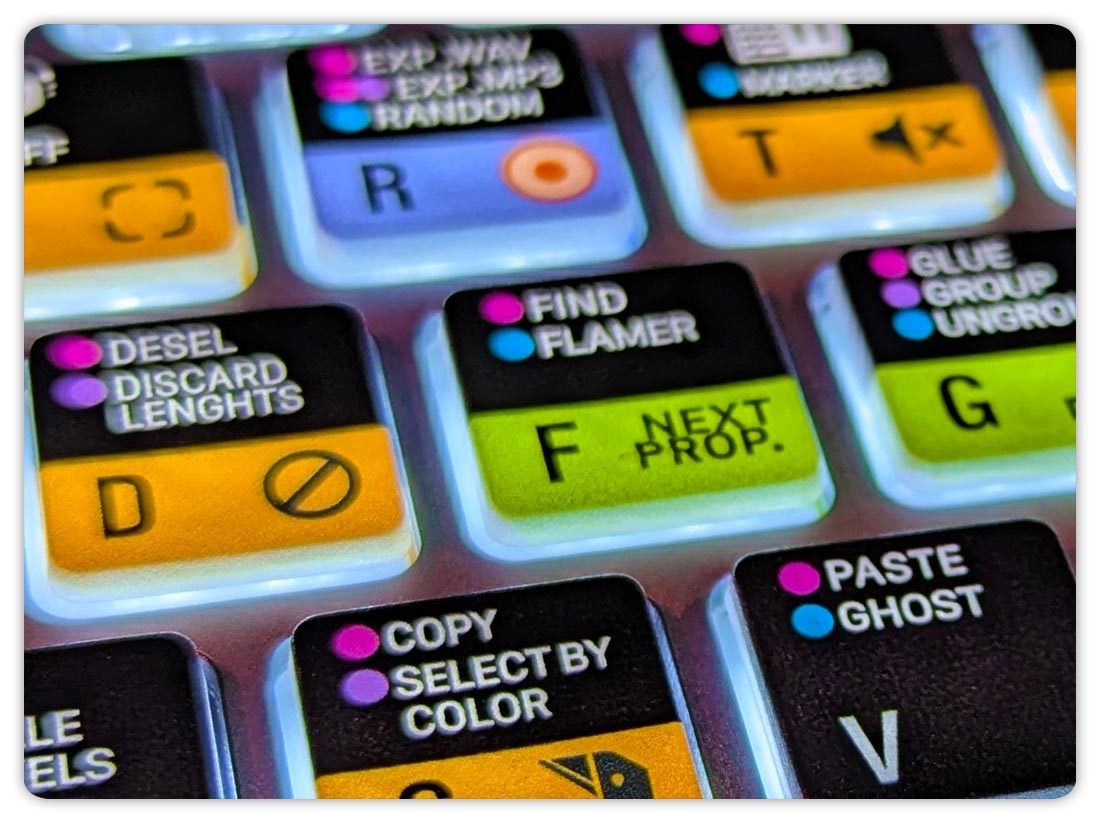
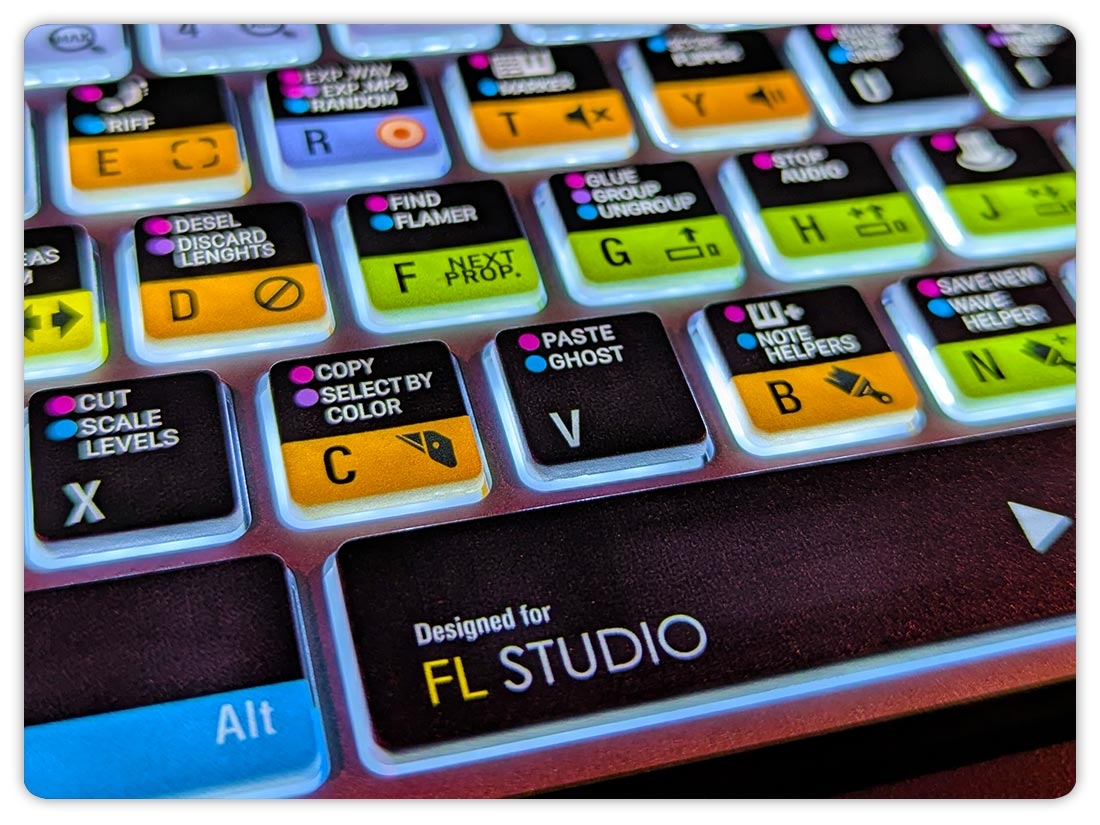
A color-coded shortcut keyboard is a computer keyboard where commonly used software shortcuts are printed directly on the keys. Each key shows both the standard letter or function and the shortcut command it performs within a specific application.
Before looking more closely at color-coded shortcut keyboards,
it helps to first understand what a keyboard shortcut is.
What is a keyboard shortcut?
A keyboard shortcut is a key or combination of keys that activates a command in an operating system or software application. For example, a shortcut can save a file, copy selected content or open a particular tool.
The command depends on the software currently in use, which means keyboard shortcuts can vary between applications.
Shortcut keyboards for creative software
Color-coded shortcut keyboards are often referred to simply as shortcut keyboards. They are typically designed for specific creative software used in video editing, audio production, graphic design and 3D modeling.
Logickeyboard offers shortcut keyboards for a wide range of creative applications. The printed commands make commonly used functions easier to find and can also provide visual guidance when learning a new application.
A shortcut keyboard displays the shortcuts on the physical keys.
Why choose a shortcut keyboard?
Faster access
Faster access to common commands.
Less menu searching
Less reliance on menus and mouse clicks.
Visual guidance
Visual guidance that helps you learn shortcuts faster.
Focused workflow
Supports a smoother, more focused workflow.
Who is a shortcut keyboard for?
Shortcut keyboards are used by creative professionals and home creators, who want to work faster and maintain more efficient workflows.
Edit faster on the timeline
Control sessions and effects
Access tools instantly
Faster creative workflow
Shortcut workflows in practice
Creative professionals across video, audio and design rely on shortcut keyboards to work efficiently and stay focused.
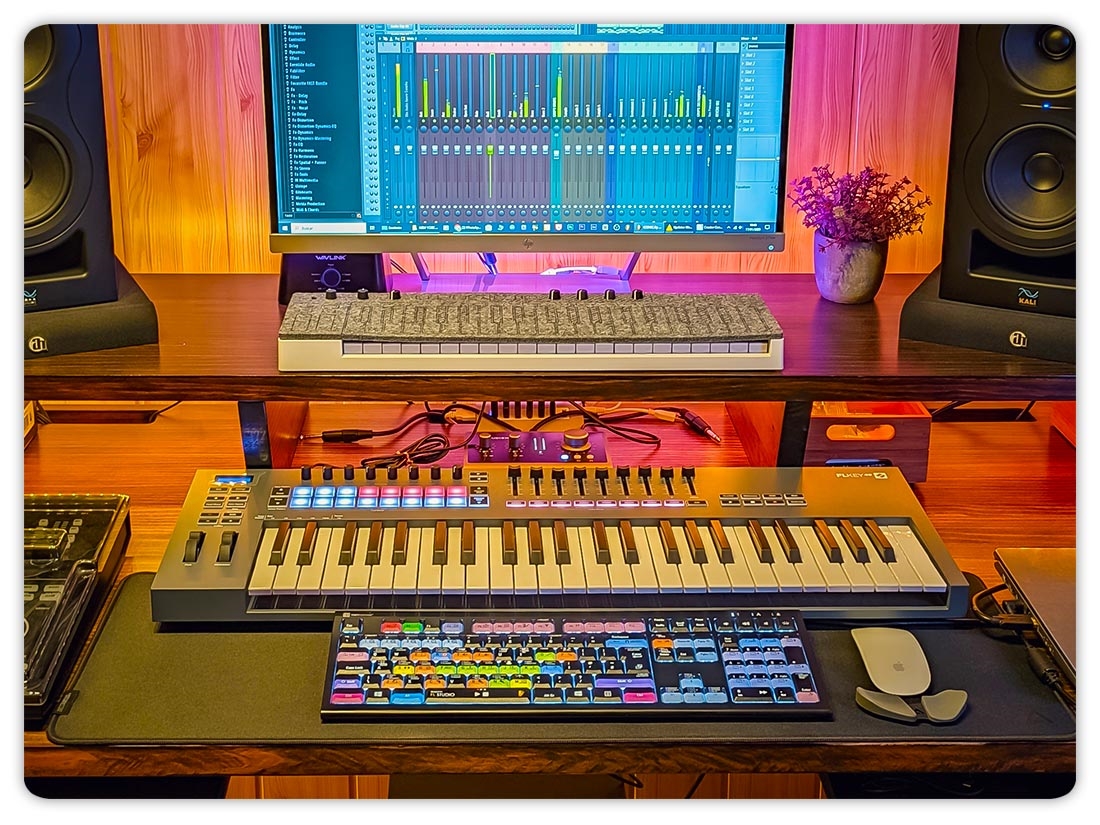
Jason Levine uses Adobe Premiere Pro and has noted that “after many years, I still can’t remember the shortcuts”. In music production, Zardonic works in FL Studio and finds that ideas come “much quicker” when shortcuts are directly accessible. Similarly, photographer Dina Belenko relies on shortcuts in Adobe Photoshop, using them “all the time” to keep her editing process fast and consistent.
→ Explore the Logickeyboard Champions
How a shortcut keyboard works
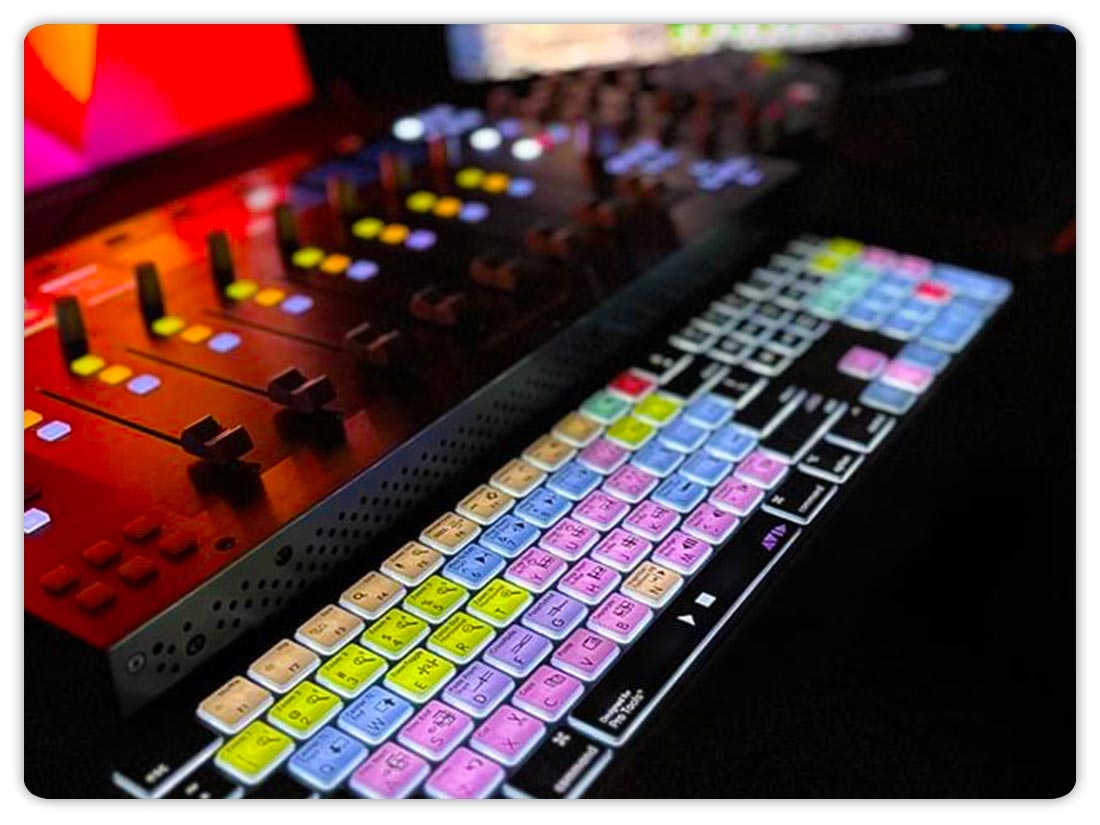
A color-coded shortcut keyboard displays the most commonly used shortcuts directly on the keys.
Related functions are grouped by color, making it easier to find tools quickly and work more efficiently within a specific application.
1
Shortcuts on the keys
The most commonly used commands are labeled directly on the keys, reducing the need to memorize shortcuts.
2
Color-coded groups
Related functions are grouped by color, helping users locate tools faster and maintain a smoother workflow.
3
Application specific
Each keyboard is designed for one specific application and reflects its default shortcut layout.
4
Plug and play
No drivers or additional software required. Simply connect the keyboard and start working.
Choose your software application
Pick the application you use most. Logickeyboard offers models designed for one specific software and its shortcuts.
Shortcut keyboard FAQ
What is a color-coded shortcut keyboard?
A color-coded shortcut keyboard displays software shortcuts directly on the keys, making it easier to execute commands without memorizing shortcuts or searching through menus. Logickeyboard offers a range of color-coded shortcut keyboards, with each model designed for a specific application. These keyboards are often referred to simply as shortcut keyboards.
What is a keyboard shortcut?
A keyboard shortcut is a software command which is activated by pressing one or more keys. For example, a keyboard shortcut can save a file, copy selected content or open a particular tool.
What is the difference between a regular keyboard and a color-coded shortcut keyboard?
A regular keyboard only shows letters, numbers, and symbols. A color-coded shortcut keyboard also shows software-specific shortcuts on the keys. Logickeyboard models are designed around the default shortcuts of the supported software.
Which software is supported by color-coded shortcut keyboards?
Logickeyboard offers color-coded shortcut keyboards for a wide range of applications used in video, audio, graphic design, and 3D workflows.
Are color-coded shortcut keyboards available for both Mac and Windows?
Yes. Many color-coded shortcut keyboards are available in both Mac and Windows versions.
Do color-coded shortcut keyboards require drivers?
No. A Logickeyboard works as a standard keyboard.
Are the shortcuts customizable?
The labeled shortcuts reflect the default shortcuts of the software.
Are color-coded shortcut keyboards only for professionals?
No. Color-coded shortcut keyboards can be used by hobbyists, students and professionals who want faster, more consistent workflows.
Can a color-coded shortcut keyboard help reduce mouse use?
Yes. By placing common commands directly on the keyboard, a color-coded shortcut keyboard can reduce reliance on mouse use.
Logickeyboard product lines
Logickeyboard develops two keyboard product lines. Color-coded shortcut keyboards designed for creative software, and assistive keyboards designed to improve readability and accessibility.
Questions about products, orders, shipping and returns?
Visit our general FAQ for product information, shipping details, payment questions and other order-related topics.