LogickeyboardCookies

In order to improve the user experience on our website, we would like to register information about you using our own cookies as well as cookies from third parties. With cookies we support various purposes on the website: Functionality, statistics and marketing. By pressing "Accept all" you consent to all these purposes. You can also choose to indicate which purposes you want to consent to by using the buttons next to the purpose and pressing "Accept selected". You can read more about cookies in our general section about privacy policy.
Color-coded shortcut keyboards from Logickeyboard

Color-coded shortcut keyboards from Logickeyboard

What is a color-coded shortcut keyboard?

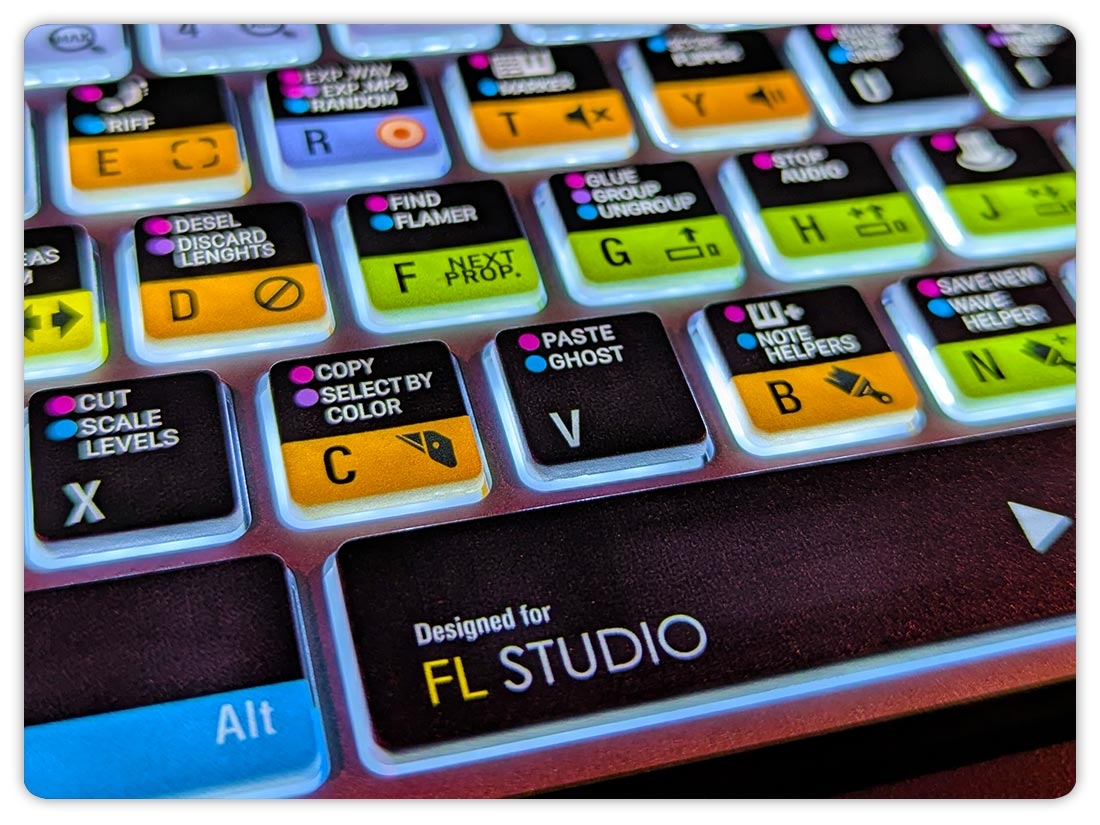
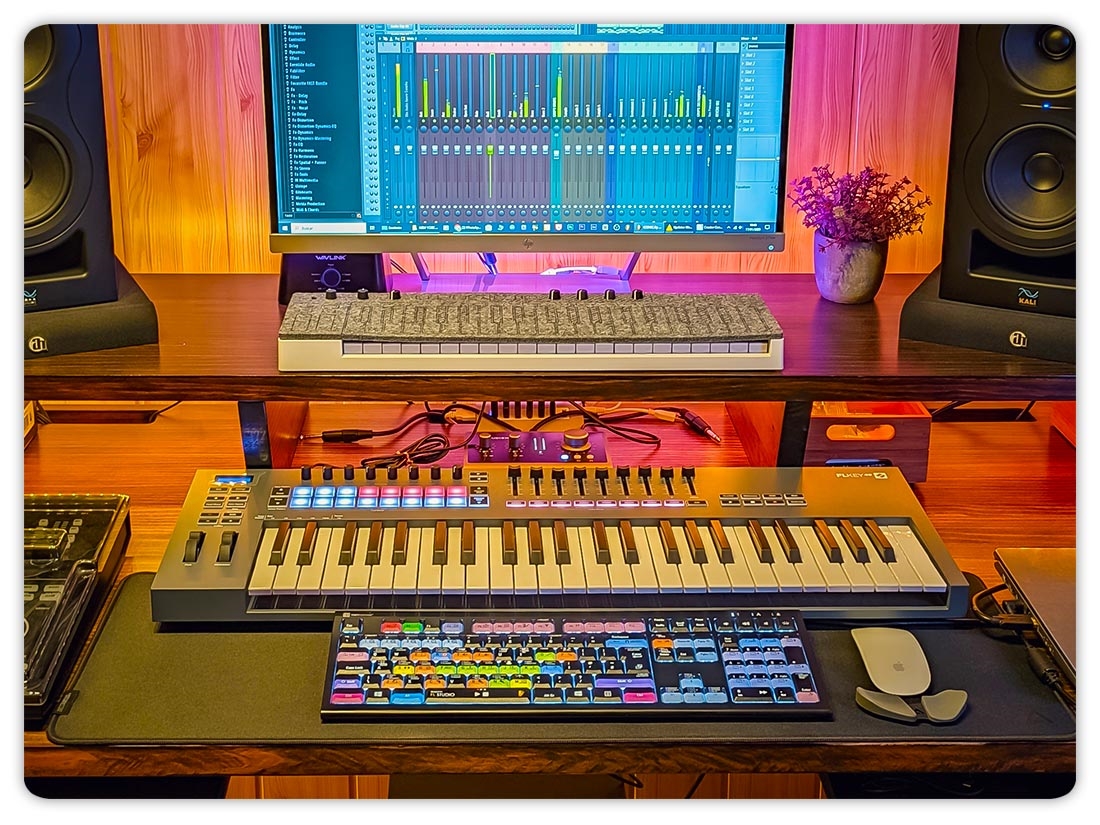
A color-coded shortcut keyboard is a keyboard with shortcuts printed directly on the keys, designed to speed up work and reduce reliance on menus and mouse clicks. Logickeyboard offers a range of color-coded shortcut keyboards, with models designed for specific applications used in video, audio, graphic design, and 3D workflows.
 

Why choose a color-coded shortcut keyboard?

  • Faster access to common commands.
  • Less reliance on menus and mouse clicks.
  • Visual guidance that helps you learn shortcuts faster.
  • Supports a smoother, more focused workflow.

Who is a shortcut keyboard for?

Color-coded shortcut keyboards are used by creative professionals and home creators who want to work faster, more efficient workflows.


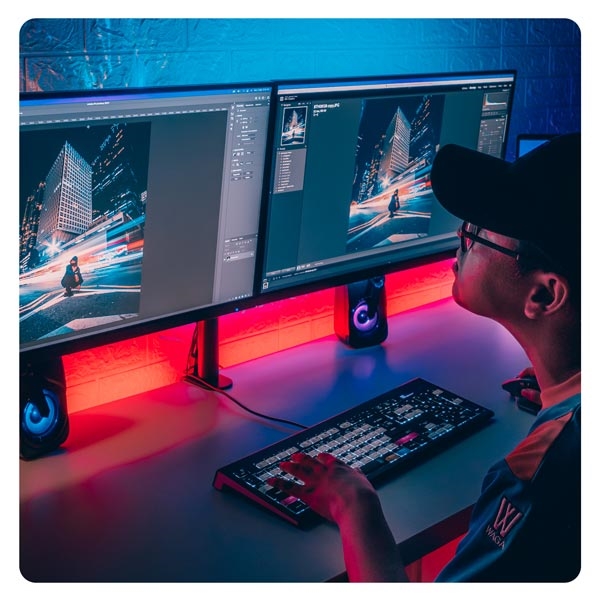
Video editor workflow
Edit faster on the timeline
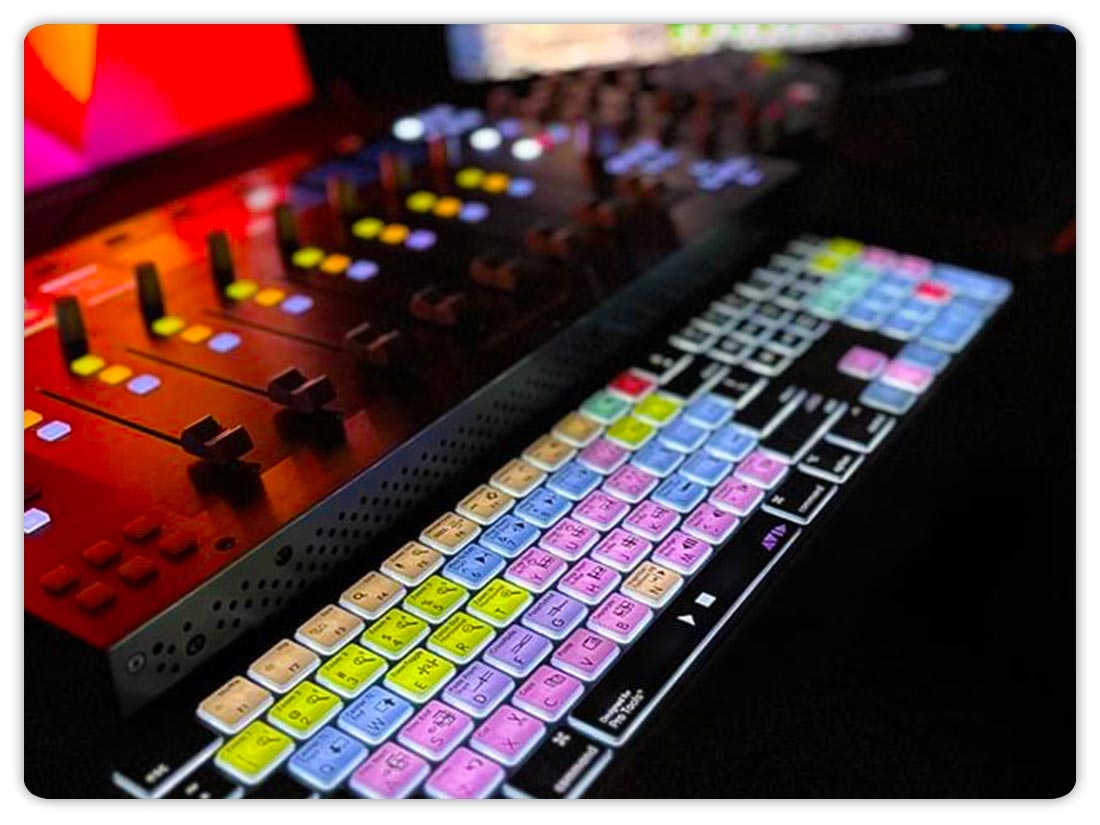
Audio production workflow
Control sessions and effects
Graphic design workflow
Access tools instantly
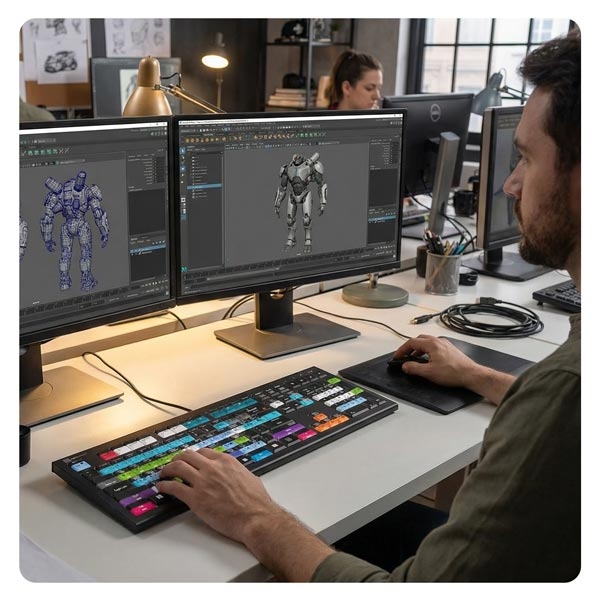
3D artist workflow
Work on complex models
 

How a shortcut keyboard works

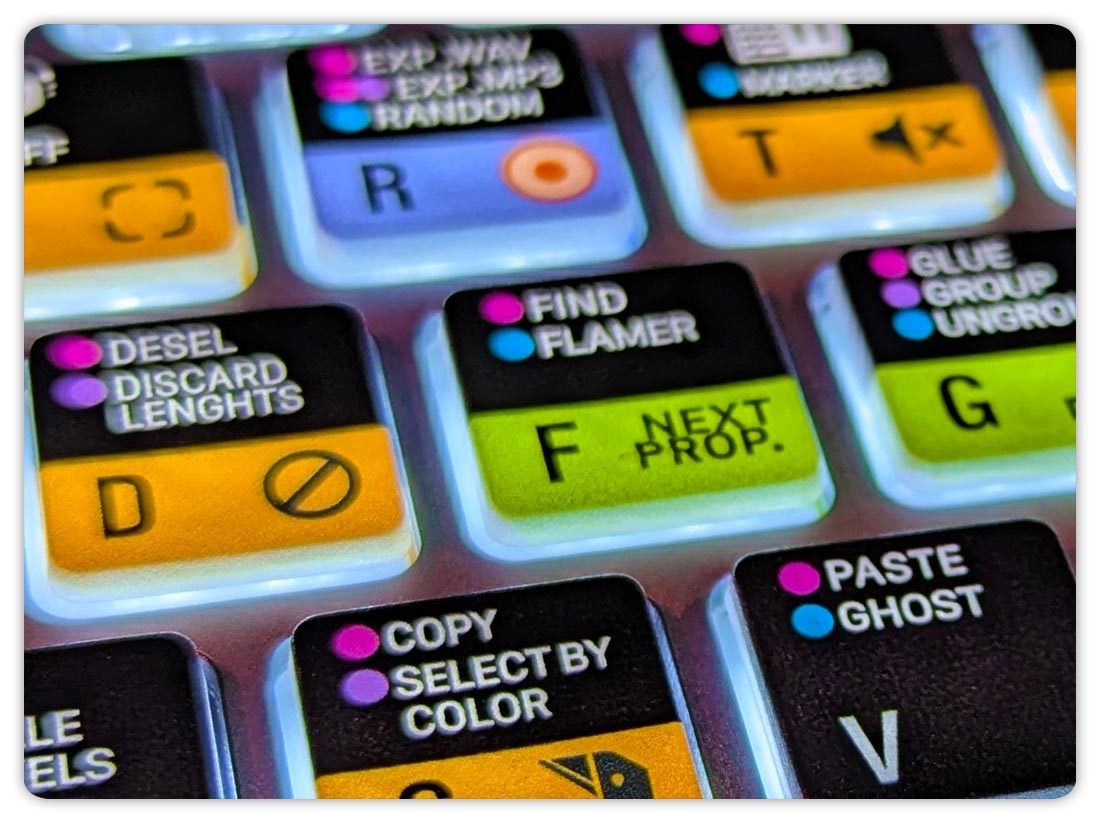
A color-coded shortcut keyboard displays the most commonly used shortcuts directly on the keys. Related functions are grouped by color, making it easier to find tools quickly and work more efficiently within a specific application.


Choose your software application

Pick the application you use most. Logickeyboard offers models designed for one specific software and its default shortcuts.


Shortcut keyboard FAQ

What is a color-coded shortcut keyboard?


A color-coded shortcut keyboard displays software shortcuts directly on the keys, making it easier to execute commands without memorizing shortcuts or searching through menus. Logickeyboard offers a range of color-coded shortcut keyboards, with each model designed for a specific application.

 
What is the difference between a regular keyboard and a color-coded shortcut keyboard?


A regular keyboard only shows letters, numbers, and symbols. A color-coded shortcut keyboard also shows software-specific shortcuts on the keys, helping users work faster and maintain a more consistent workflow. Logickeyboard models are designed around the default shortcuts of the supported software.

 
Which software is supported by color-coded shortcut keyboards?


Logickeyboard offers color-coded shortcut keyboards for a wide range of applications used in video, audio, graphic design, and 3D workflows. Logickeyboard offers models designed for one specific software, or a closely related set of applications.

 
Are color-coded shortcut keyboards available for both Mac and Windows?


Yes. Many color-coded shortcut keyboards are available in both Mac and Windows versions, depending on the software and keyboard layout. Logickeyboard offers both Mac and Windows models across many supported applications.

 
Do color-coded shortcut keyboards require drivers?


No. A Logickeyboard works as a standard keyboard and uses the software’s default shortcuts from the beginning. Simply plug it in and start working.

 
Are the shortcuts customizable?


The printed shortcuts reflect the default shortcuts of the software. You can customize shortcuts within the software, but the printed legends on the Logickeyboard model remain unchanged.

 
Are color-coded shortcut keyboards only for professionals?


No. Color-coded shortcut keyboards are used by both beginners and professionals. Beginners learn shortcuts faster, while experienced users benefit from improved speed and consistency. Logickeyboard offers models suited to both learning and high-volume professional use.

 
Can a color-coded shortcut keyboard help reduce mouse use?


Yes. By providing direct access to common commands via the keyboard, a color-coded shortcut keyboard often reduces mouse usage and supports a more efficient and comfortable workflow. Many users choose a Logickeyboard to reduce reliance on menus and mouse clicks.


Questions about orders, shipping and returns?

Visit our general FAQ for shipping, returns, and other order-related questions.

Delivery country
Please confirm your location, to set prices, currency and delivery correct.